Using the Zoom Tool
|
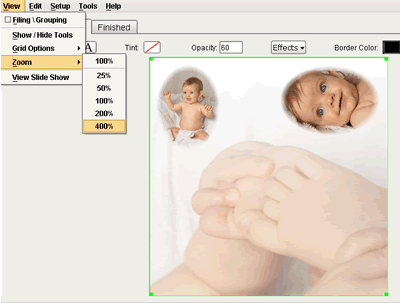
If you would like to zoom in on your composite go to View > Zoom > and select the percentage you would like to increase. For this demonstration I am selecting 400%. |
|
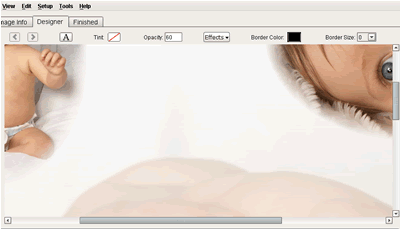
Now your composite will look VERY large on your screen and you will have to use the scroll bars to view all the parts of it. |