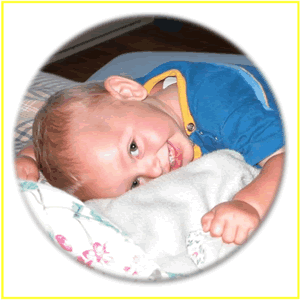
Adding Borders to Image Layers with Masks

When you place a mask on an image layer, by default, the border size for that image layer becomes zero. You can then go an select a border size for that image layer. In our Composite Image Studio Software, if you place a border on an image layer with mask, the layer will wind up looking like the image to the left.
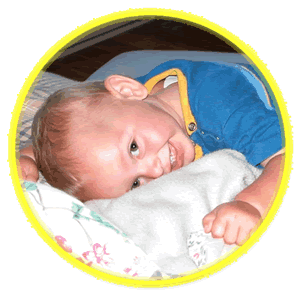
Due to a problem with how photoshop works, the border that you see around the edge of the image layer in the above image winds up instead looking like the image to the left where the border gets placed directly around the edge of the image, where the fade portion of the mask should be. Unfortunately, since this is a problem with how photoshop operates there is no way around this, so we recommend not using borders on image layers that also have masks on them.