Adding and Removing Groups
Adding a Group
|
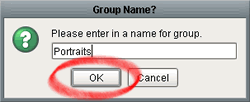
Press the 'Add Group' button described in the previous section (Filing & Grouping Tools), and you will be presented with this screen. To add a group, simply type in its name, and press the 'OK' button. Please note once again that you cannot add groups named All Images, Ungrouped, or Trash. |
Removing a Group
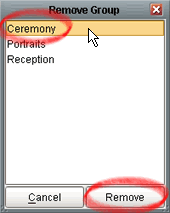 |
Press the 'Remove Group' button described in the previous section (Filing & Grouping Tools) to get this screen. To remove a group, you must select the group name from the list, and click the 'Remove' button. |