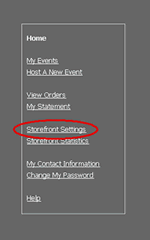
Go to the Storefront and click on Storefront Settings.
Homepage Information
|
Go to the Storefront and click on Storefront Settings. |
|
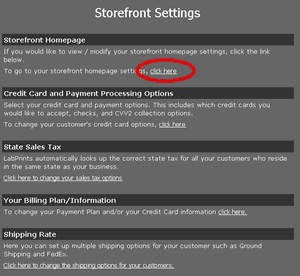
At the top of the next screen there will be heading for Storefront Homepage. Click on that link under this heading that says “Click Here”. |
|
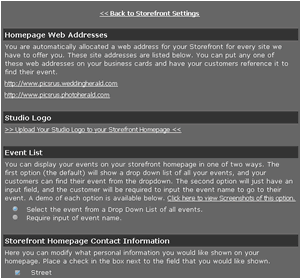
You will be brought to a page options you can choose for what information you would like displayed on your storefront homepage. When you are done click the save changes button at the bottom of the screen. |