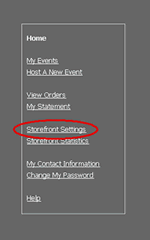
Go to the Storefront and click on Storefront Settings.
Send Additional Notes/Comments to your Online Customers
|
Go to the Storefront and click on Storefront Settings. |
|
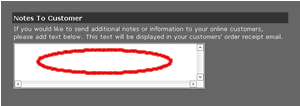
There will be a text box underneath the “Additional Notes to Customers” heading. If you would like to display additional notes or comments, just type them into this text box. When you are done click the save changes button at the bottom of the screen. |