Adding Drop Shadows to Images
|
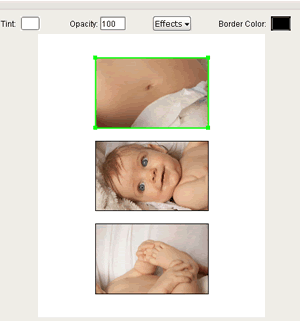
In order to add a drop shadow to an image, you must first click on the image layer to highlight it. You will know it has been selected when the green box appears around it. |
|
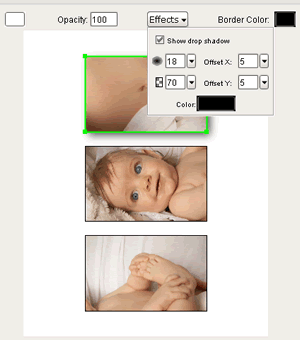
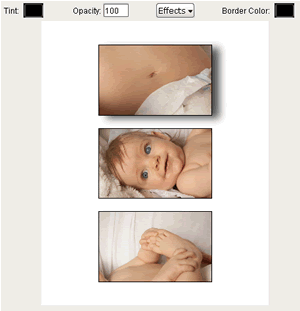
Click on the Effects menu at the top of the screen and a little drop down window will appear allowing you to change the settings for the drop shadow. Once you would like to apply the drop shadow to the image layer click the check box at the top of the window that says "Show Drop Shadow" and the shadow will appear behind the image. |
|
Now to get rid of the drop shadow window simply click anywhere outside the drop down window and it will disappear. |