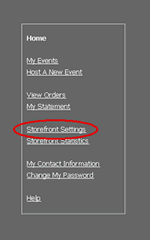
Go to the Storefront and click on Storefront Settings.
Change Your Payment Options
|
Go to the Storefront and click on Storefront Settings. |
|
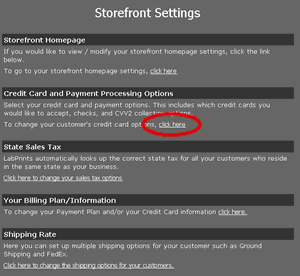
Click the link that says "Click Here" underneath the “Credit Card Payment and Processing Options” heading. |
|
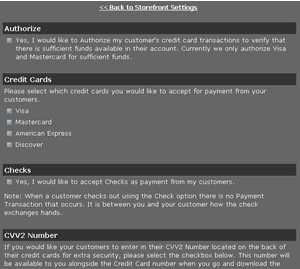
You will be brought to a page where you can choose from a variety of payment options. When you are done click the save changes button at the bottom of the screen. |