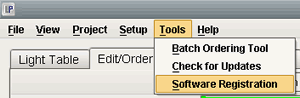
To register addition software, such as the template design and flush and matted album designer, go to Tools > Software Registration.
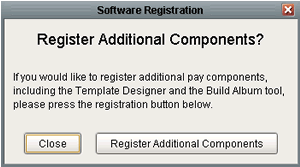
A window will appear with two buttons labeled “register additional components” and “close”. Click on register additional components.
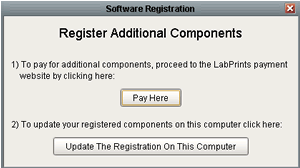
Another window will appear with two more buttons labeled “Pay Here” and “Update the Registration on this computer”. Click on “Pay Here”.
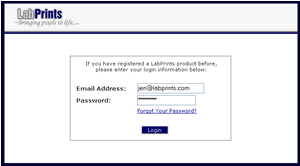
Your internet browser will now open and take you to a page where you will need to enter your LabPrints username and password.
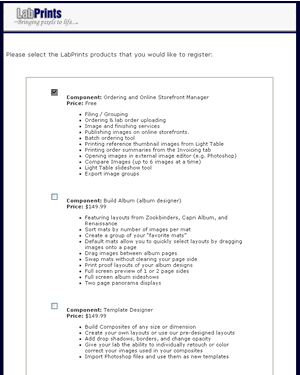
You will then be taken to a page displaying the different software packages we have. Click the checkbox next to each software package you would like to purchase and click the next button at the bottom of the page. You will then need to enter your credit card information in order to finish the registration process.
Once this step is complete go back into the software, go to Tools > Software Registration.
A window will appear with two buttons labeled “register additional components” and “close”. Click on register additional components.
Another window will appear with two more buttons labeled “Pay Here” and “Update the Registration on this computer”. Click on “Update Registration on this Computer”. You will then be able to access any of the additional software you just purchased.