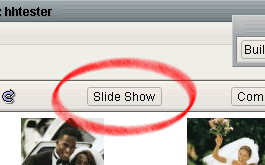
To start a Light Table slide show, make sure you are viewing the group you wish to appear in the slide show,
and press the "Slide Show" button.
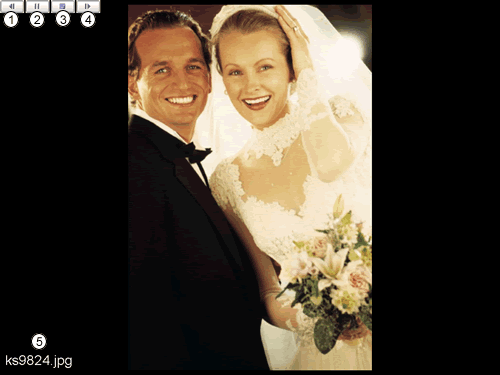
Viewing the Slideshow
Go back to the previous image.
Pause the slideshow. Once paused, you may manually scroll through images using the previous and
next buttons. You may also resume the slide show by clicking the play button.
Stop the slide show, and close the slide show window.