Printing Thumbnail Views of the Light Table
The Print Button
|
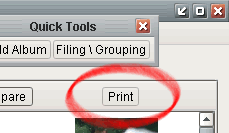
The print button can be found in the upper right-hand corner of the Light Table. |
Printing the Light Table
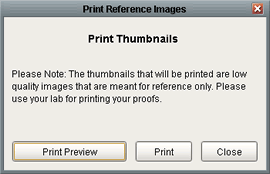 |
Once you have clicked the Print button, you will be presented with this screen. You have the option of viewing a print preview within the program, or you can send the document to your printer. |