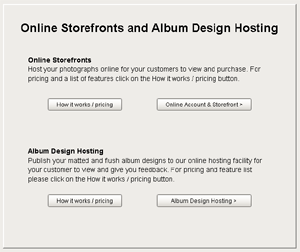
To register the online album hosting service go to the Storefront and click on Album Design Hosting.
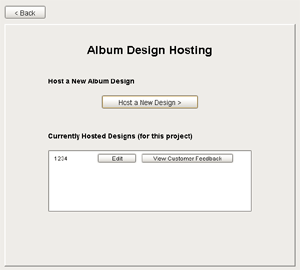
Click on "host a new design".
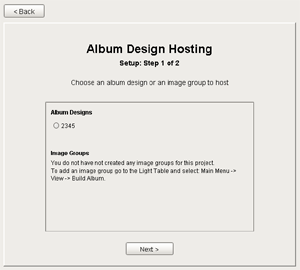
Select the album you wish to host.
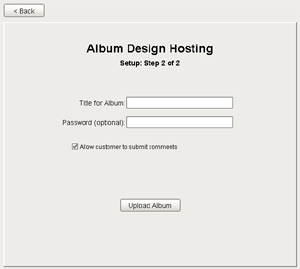
Choose the name you want to appear on the album when viewed by your customers and if you want the album to be password protected you can enter a password here as well.
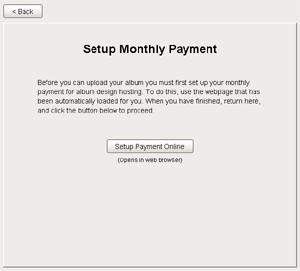
If you haven't registered for the album hosting service you a screen will appear telling you you need to purchase this service. Click on "Setup Payment Online".
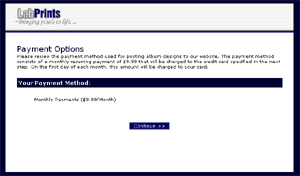
Your internet browser will then open taking you to a page that says how much the monthly charges are for the album hosting design service. Click the "Next" button.

You will then be taken to another page prompting you for your credit card information. When you are finished entering this information click the "Process Transaction" button. You will now be able to host an unlimited number of album designs every month.