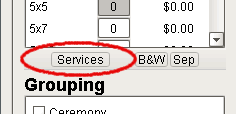
Located below the ordering section, you will see a button named 'Services'. Click on this button to bring up a window with your lab's image level and crop level services.
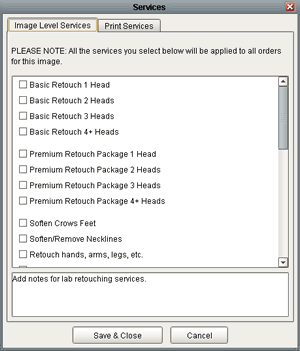
- Image Level Services: Services that apply to every crop on the image. If an image level service is selected, any crop that has an order placed on it will have the service as an attribute when printed.
- Service Notes: At the bottom of the services window, there is a text box where you may enter specific instructions or comments pertaining to the services you have selected. These comments will be reviewed by your lab before printing to ensure that your selected services are applied correctly.
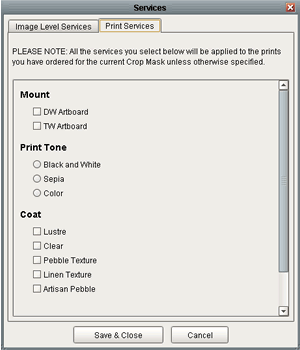
- Print Service:Services that only apply to the currently selected crop mask. These services will only be present for orders made on the currently selected crop mask.