Adding Images
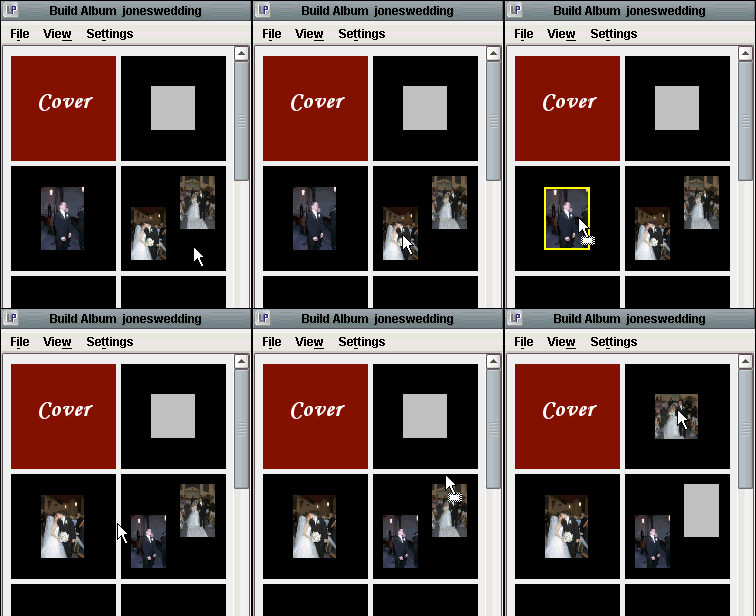
To add an image to your album, simply drag the desired image from the Light Table to the mat location you wish to put the image.
Moving Images
As you can see to the left, to switch two images in an album, simply drag one on top of the other. Similarly, to move an image to an empty place in the album, drag the image to its new location or right click the image, highlight move to, and select the number you wish to move the image to.
Removing Images
To remove an image from an album you can right click on the image and select either Remove Image or Clear Side. Clear Side also removes any mats that have been assigned to the side you choose to clear. An image is also removed when another image from the light table is dragged directly on top of it showing a yellow frame around the image before it is set on to its mat. When an image is removed from an album, its corresponding albums masks are deleted along with the order of that specific image in the album.