Working With Default Mats
|
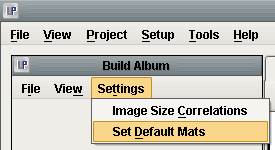
After either opening an existing album or creating a new one, go to Settings > Set Default Mats. |
|
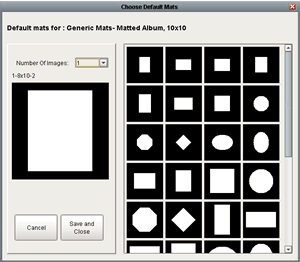
One the next window you will be able to select the default layout you would like for pages. You can select which layout you would like for a page with only one image, or with two images, etc. Each page layout will be different depending on the number of images chosed from the Image Number drop down. The default mats can be changed at any time by following this steps. |